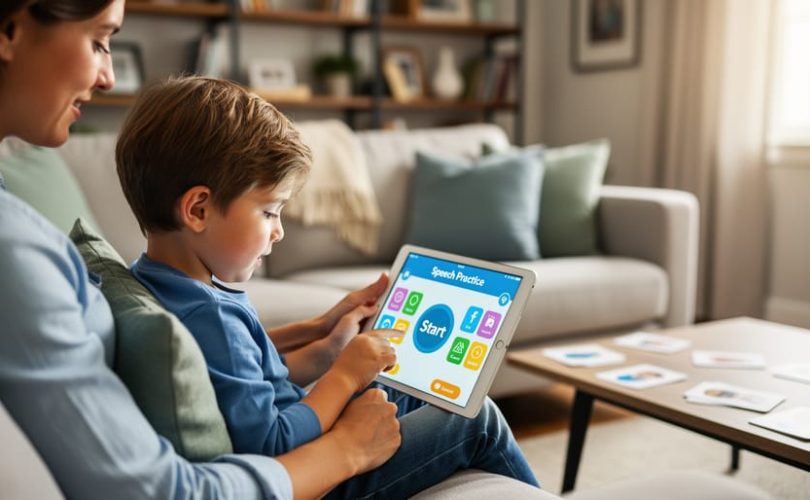
Look for apps built with native programming languages like Swift for iOS or Kotlin for Android, as these typically run faster and feel more responsive when your child taps, swipes, or interacts with learning activities. Check app store reviews specifically mentioning crashes, freezing, or slow loading times—these technical issues often stem from the programming choices developers made and directly impact whether your child stays engaged or becomes frustrated during speech and language practice.
Prioritize apps that work offline, which usually indicates thoughtful technical design using local device storage rather than constant internet dependence. This matters during car rides to therapy appointments, waiting rooms without WiFi, or moments when you need a reliable distraction tool that won’t fail you.
Understand that cross-platform apps (built with frameworks like React Native or Flutter) can be excellent choices despite running on multiple devices from a single codebase. The programming language matters less than the developer’s commitment to quality—a well-designed cross-platform app often outperforms a poorly executed native one.
The programming language behind any language development app ultimately determines three things you care about most: how quickly it responds to your child’s touch, how reliably it functions when you need it, and whether it drains your phone battery during extended therapy sessions at home. While you don’t need to become a programmer yourself, recognizing these connections helps you evaluate apps beyond attractive graphics and marketing promises.
When developers choose their programming tools wisely and prioritize user experience, the result is an app that becomes a genuine partner in your child’s communication journey rather than another source of technical frustration in an already challenging process.
Why the Technical Foundation Matters for Your Child’s Learning
The Connection Between App Speed and Child Engagement
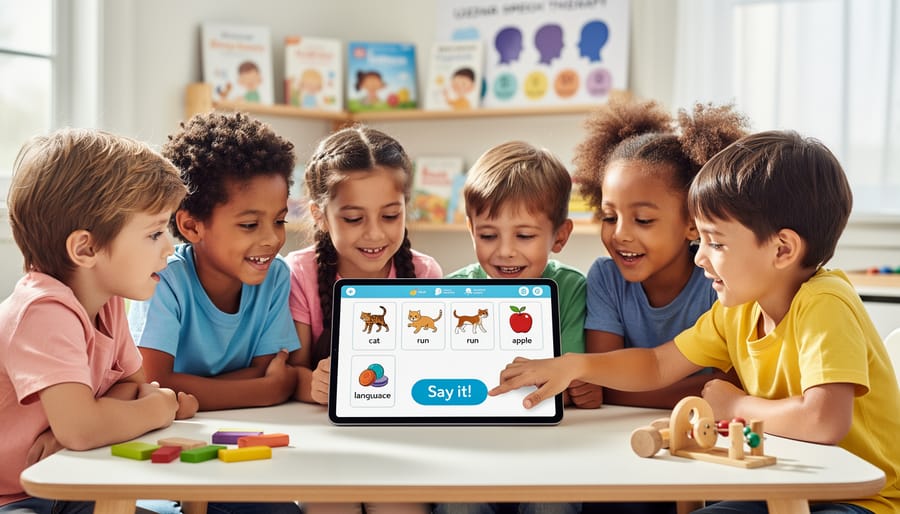
When you’re choosing an app to support your child’s language development, you might not think about what’s happening behind the scenes. But here’s something important: the programming language developers use directly affects how quickly an app loads and responds to your child’s touch.
For children with attention challenges, ADHD, or developmental delays, even a two-second delay can mean the difference between staying engaged and losing interest entirely. When a child taps a colorful button and nothing happens immediately, frustration builds. They may wander away or resist trying again later.
Dr. Maria Chen, a pediatric occupational therapist, shares her perspective: “I’ve seen children give up on otherwise excellent apps simply because the lag time broke their focus. For kids working on communication skills, maintaining that connection is everything.”
Languages like Swift for iOS and Kotlin for Android typically create faster, more responsive apps than some other options. They’re designed to work seamlessly with the device, resulting in smooth animations and instant feedback when your child interacts with the screen.
This responsiveness isn’t just about convenience. For a child building confidence in communication, immediate positive reinforcement matters deeply. When they succeed at a task and the app celebrates instantly, that joy strengthens their motivation to keep trying, keep learning, and keep growing.
Accessibility Features That Support Different Learning Needs
The technical foundation of a language development app directly impacts how well it can adapt to your child’s unique needs. Certain programming languages make it easier for developers to build in features that truly make a difference for children with learning differences.
Languages like Swift for iOS and Kotlin for Android excel at integrating text-to-speech capabilities that sound natural and engaging, helping children who benefit from hearing words pronounced clearly. These languages also allow developers to implement adjustable text sizes, high-contrast color schemes, and simplified interfaces that support children with visual processing challenges or attention difficulties.
Cross-platform languages enable consistent experiences across devices, meaning your child can practice on a tablet at school and continue seamlessly on a phone at home. This consistency reduces confusion and builds confidence. Modern AI learning tools built with languages like Python can adapt in real-time, adjusting difficulty levels and presentation styles based on how your child responds.
Dr. Maria Chen, a speech-language pathologist, notes that apps allowing customization often see better outcomes: “When families can adjust pace, visual supports, and feedback styles, children engage more meaningfully because the app meets them where they are.”
Look for apps that mention accessibility features in their descriptions, as this often indicates thoughtful technical architecture designed with diverse learners in mind.
Native Languages: Swift and Kotlin for Premium Performance
When Native Apps Make the Biggest Difference
When you’re choosing an app to support your child’s language development, understanding when native apps truly shine can help you make the best decision for your family’s needs.
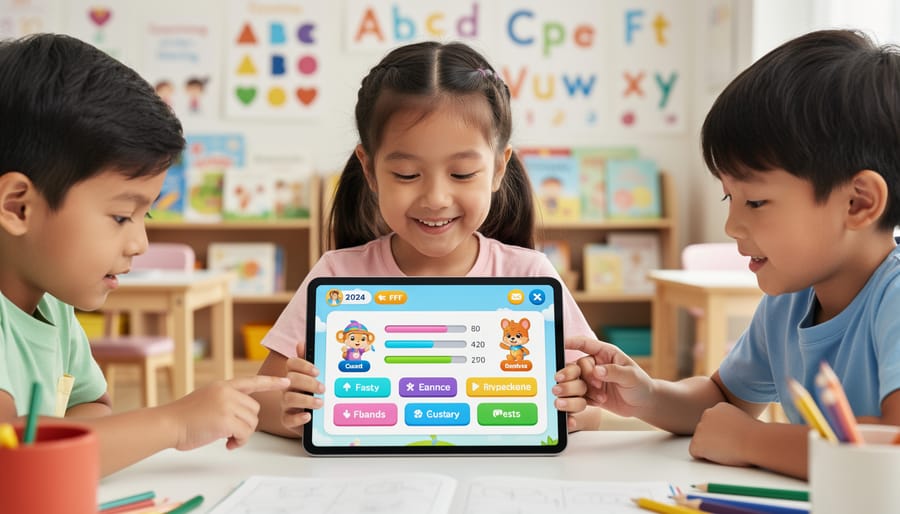
Native apps built with languages like Swift or Kotlin often excel in situations where precision matters most. For children working on speech sounds, native apps typically offer superior speech recognition accuracy. They can better process your child’s voice, even when pronunciation is still developing or when background noise from siblings or household activities is present. This means your child gets more accurate feedback during practice sessions, which can be incredibly encouraging.
Offline functionality is another significant advantage. If your child uses their app during car rides, in waiting rooms, or anywhere internet access is spotty, native apps generally work more reliably without connectivity. This consistency helps maintain your child’s practice routine, which therapists often emphasize as crucial for progress.
Native apps also integrate more seamlessly with assistive technologies your child might already be using, such as screen readers or alternative input devices. This smoother integration means fewer frustrations and a more accessible experience overall.
Battery life matters too, especially during longer therapy sessions or educational activities. Native apps typically consume less power, so you won’t find yourself constantly hunting for a charger mid-session.
While these technical advantages don’t guarantee success, they create a more stable, responsive environment where your child can focus on learning rather than wrestling with technology. That peace of mind is valuable for everyone involved in supporting your child’s communication journey.
What Parents Should Know About Platform-Specific Apps
You’ve probably noticed that some highly-recommended language apps only work on iPhones, while others are Android-exclusive. This happens because developers sometimes choose to build for just one platform, especially when they’re small teams or startups focused on creating the best possible experience rather than reaching everyone immediately.
When you see “iOS-only” or “Android-only,” it means the app was built using programming tools specific to that operating system. Apps built with Swift work only on Apple devices, while those using Kotlin run exclusively on Android phones and tablets. This isn’t necessarily a red flag. In fact, platform-specific apps often run more smoothly and feel more intuitive because they’re designed specifically for your device’s features.
Before dismissing an app because it doesn’t match your phone, consider what you’re gaining or losing. Is this app uniquely suited to your child’s needs? Does it offer features you can’t find elsewhere? Sarah, a mother of a four-year-old with apraxia, switched from Android to iPhone specifically because her speech therapist recommended an iOS-only app that perfectly matched her daughter’s therapy goals. “It felt like a big decision,” she shares, “but six months later, I’d make the same choice again.”
However, if multiple quality apps exist for your child’s specific needs, choosing one that matches your current device makes practical sense. You’ll also want to consider what happens if you switch phones in the future. Some families keep an older device specifically for therapy apps, which can be a practical solution when the right app only works on one platform.
Cross-Platform Solutions: Reaching More Children with React Native and Flutter
The Balance Between Accessibility and Performance
You’ve probably heard terms like “native apps” versus “cross-platform apps” when researching language development tools. Here’s what really matters for your child: native apps, built specifically for iPhone or Android, often run a bit faster and smoother. Cross-platform apps work on multiple devices but might occasionally feel less responsive.
However, for most language development activities like vocabulary building, picture matching, or speech practice, cross-platform apps work beautifully. Dr. Sarah Chen, a pediatric speech therapist, notes that “the slight performance difference rarely impacts therapeutic value. What matters more is consistent access across whatever devices families actually use.”
Cross-platform apps shine in accessibility. When Marcus, a father of twins with language delays, switched therapists mid-year, his children could continue using the same app seamlessly between his Android phone and his ex-wife’s iPhone. This consistency proved invaluable during a stressful transition.
The honest truth? Unless an app requires intensive real-time processing like complex augmentative communication systems, cross-platform development creates minimal disadvantage while maximizing accessibility. Many excellent language development apps use cross-platform frameworks specifically so they can reach more families affordably.
Consider your family’s actual needs: Do you need lightning-fast performance, or reliable access across multiple devices and caregivers? For most language learning scenarios, accessibility wins.
Why More Therapists Recommend Cross-Platform Apps
Mental health professionals increasingly favor cross-platform apps because they create seamless support across all the places children spend their time. Dr. Rachel Martinez, a pediatric speech-language pathologist, explains: “When a child uses the same app at home with parents, at school with teachers, and during therapy sessions, we can track progress more accurately and ensure everyone is reinforcing the same skills.”
This consistency matters tremendously for therapeutic outcomes. Cross-platform apps allow parents to continue exercises their child’s therapist demonstrated during an appointment, while teachers can support the same goals during classroom activities. The data syncs across devices, giving everyone on the child’s care team a complete picture of their progress.
“I recommend cross-platform apps to families because they remove barriers,” shares Jessica Thompson, an early intervention specialist. “Parents don’t need to buy specific devices, and siblings can help with practice on whatever tablet or phone the family already owns.”
This accessibility extends the reach of technology-supported interventions to more families, regardless of their economic circumstances. When apps work on any device, children receive consistent support whether they’re in the car, waiting at an appointment, or settling down before bed—creating more opportunities for meaningful practice in everyday moments.
Progressive Web Apps: When Your Browser Becomes a Learning Tool
Breaking Down Barriers to Access
Not every family has the budget for the latest smartphone or tablet, and purchasing multiple apps can quickly add up. This reality shouldn’t become a barrier to accessing tools that support your child’s language development. Thankfully, many developers now create web-based language apps that work directly through internet browsers, eliminating the need for expensive devices or operating system updates.
These browser-based options mean families can use older computers, shared tablets at libraries, or even school devices to practice language skills. Some apps offer family licensing, allowing parents, siblings, and caregivers to access the same content across different devices without multiple purchases. Others operate on freemium models, providing core features at no cost while making premium options available for those who can afford them.
For families facing financial constraints, this approach transforms accessibility. Your child doesn’t miss out on evidence-based language support simply because you can’t afford the newest technology. Libraries and community centers increasingly offer device lending programs, and when paired with web-accessible apps, these resources create genuine opportunities for all children to develop communication skills, regardless of their family’s economic situation.
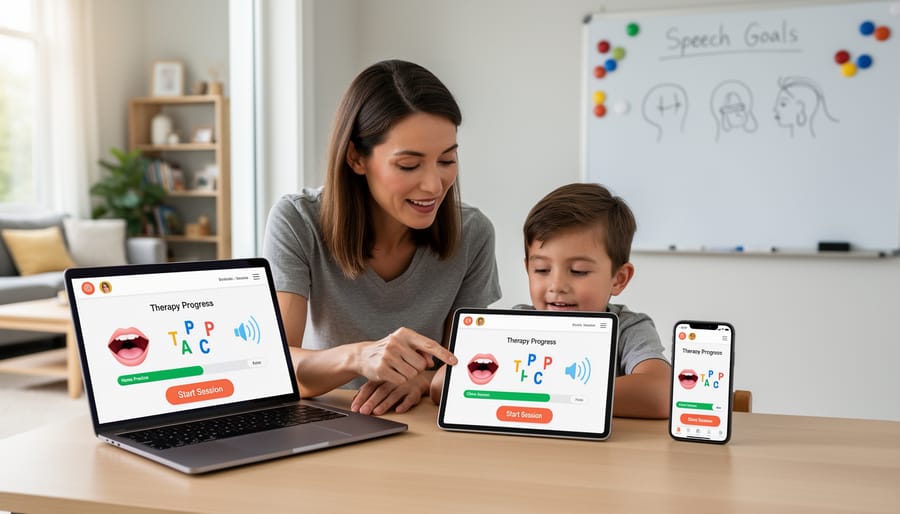
Understanding the Limitations
While advanced learning technology has made web-based apps incredibly capable, it’s important to understand when they might not be the best fit for your child’s needs. If your child requires sophisticated speech recognition features for pronunciation practice or language therapy exercises, native mobile apps often perform better because they can access the device’s full processing power. This becomes especially important for children with speech delays or articulation challenges who need accurate, real-time feedback.
Offline access is another consideration. Web apps typically need internet connectivity to function, which can be limiting during car rides, waiting rooms, or areas with poor reception. If your child benefits from consistent access to their learning tools throughout the day, a downloadable native app might serve them better.
Children who use apps with complex interactive features, like gesture-based learning games or augmented reality experiences, may also find native apps provide smoother, more responsive experiences. That said, many excellent web-based tools work wonderfully for reading activities, vocabulary building, and guided exercises. Understanding your child’s specific needs will help you choose the right technical approach.
What to Look for When Choosing Language Development Apps
Red Flags That Signal Technical Problems
When you’re evaluating a language development app for your child, certain warning signs can tell you the technical foundation might not be strong enough to support their learning journey. If the app crashes frequently or freezes during activities, it disrupts your child’s focus and can create frustration that makes them resistant to using it again. You know how challenging it can be to build consistent practice habits, so technical hiccups that interrupt progress are more than just annoying—they can derail momentum.
Slow loading times are another red flag. If your child needs to wait more than a few seconds between activities, they may lose interest or become agitated. This is especially important for younger children or those with attention difficulties who thrive on smooth, seamless transitions.
Pay attention to audio quality issues too. Since these apps focus on language, garbled sound, delays between visual cues and audio, or inconsistent volume levels can confuse children and undermine the learning experience. Clear, crisp audio isn’t a luxury—it’s essential for proper pronunciation modeling and comprehension.
If you notice these problems persisting across multiple sessions or devices, it’s worth exploring other options. Your child deserves tools that work reliably, letting them focus on growing their communication skills rather than battling technical glitches.
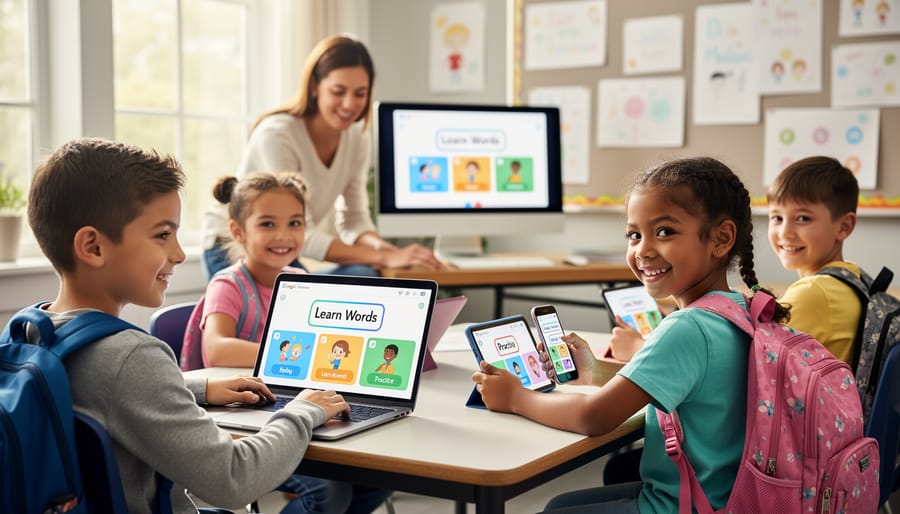
Features That Support Consistent Progress
When choosing a language development app for your child, certain technical features can make the difference between occasional use and genuine progress. Look for apps that sync data across devices—this means your child can practice on a tablet at home and their therapist can review progress on their computer during sessions. “Seeing real-time data helps me adjust therapy plans immediately,” explains pediatric speech therapist Dr. Maria Chen.
Progress tracking is essential. Quality apps built with robust programming languages can generate visual reports showing which sounds your child masters and where they need extra support. This transparency helps you celebrate small victories and adjust your approach.
Offline capability matters more than you might think. Children often practice in cars, waiting rooms, or areas with spotty internet. Apps that function without constant connectivity ensure learning never stops.
Customization options allow you to tailor activities to your child’s specific needs and interests. Whether adjusting difficulty levels or focusing on particular speech sounds, flexible apps grow with your child’s abilities. The programming language behind an app directly affects how smoothly these features work together, though you’ll experience this through reliability and responsiveness rather than technical specs.
Questions to Ask App Developers and Therapists
When choosing an app for your child, you deserve clear answers. Ask developers: “How is my child’s data protected, and who has access to it?” Request information about encryption and privacy policies in plain language.
For therapists or clinical advisors, inquire: “What research supports this app’s effectiveness?” Look for apps with published studies or professional endorsements, not just testimonials.
Don’t hesitate to ask technical questions in simple terms: “Will this app work offline?” or “How often is it updated for new devices?” These practical details affect your child’s experience daily.
Consider asking: “Can multiple family members track progress?” and “How does the app adapt as my child advances?” Understanding these features helps you find tools that grow alongside your child’s communication journey, making your investment worthwhile and supporting their development effectively.
Real Stories: How the Right App Changed Everything
When Maya’s three-year-old son Leo wasn’t meeting his speech milestones, she felt overwhelmed trying to find the right support tools. Her speech therapist recommended a tablet app designed for early language development. “At first, I worried about screen time,” Maya shares, “but within weeks, Leo was attempting new words during app activities and then using them throughout the day.”
What Maya didn’t know initially was that the app’s success came partly from thoughtful technical choices. Built with a programming language that ensured smooth animations and instant feedback, the app responded immediately when Leo touched the screen. This quick response was crucial—delayed reactions would have broken his focus and discouraged his attempts to communicate.
James, a preschool teacher working with multilingual learners, discovered similar results. “We tried several apps before finding one that actually worked on all our older classroom tablets,” he explains. “The difference was incredible. Children who were hesitant to speak English started engaging because the app made learning feel like play, not pressure.”
The technical foundation mattered more than James realized. The developers had chosen a programming approach that worked reliably across different devices, meaning every child in his classroom had the same positive experience regardless of which tablet they used.
Perhaps most moving is Sofia’s story. Her daughter Emma, who has autism, struggled with verbal communication. A well-designed speech therapy app became their bridge. “The app never got frustrated or impatient,” Sofia says. “It gave Emma a safe space to practice at her own pace.” The app’s ability to save progress and adapt to Emma’s skill level—features made possible by solid technical development—meant each session built naturally on the last.
These stories remind us that behind every helpful app is a series of technical decisions that either support or hinder a child’s journey. When developers choose the right tools and prioritize performance, reliability, and accessibility, real children benefit in meaningful ways.
As you navigate the world of language development apps, remember this: the programming language behind an app matters far less than whether it truly serves your child’s unique needs. Swift, Java, and React Native all have their strengths, but what really counts is finding an app that engages your child, fits into your family’s routine, and supports their specific communication goals.
Trust your instincts as a parent. You know your child best. If an app feels wrong—too frustrating, too simplistic, or simply not connecting—it probably is, regardless of how technically sophisticated it might be. Conversely, if you notice your child lighting up during app time, making new sounds, or attempting words they’ve avoided before, you’re on the right track.
Work closely with your child’s speech-language pathologist, therapist, or educator. These professionals can recommend apps that complement their treatment approach and help you understand what progress should look like. They can also adjust strategies as your child grows and their needs evolve.
Technology is a powerful tool, but it’s just that—a tool. Apps work best when they enhance human connection rather than replace it. Use app time as an opportunity to sit together, celebrate small victories, and model language in a warm, supportive environment.
Moving forward, start with one or two well-reviewed apps, give them a fair trial of several weeks, and stay patient. Progress isn’t always linear, but with the right support and resources, every child can move forward on their communication journey. You’re doing important work, and you’re not alone in this.